



Design Guidelines
To make sure your prints come out beautifully and without delays, please follow these simple guidelines when preparing your files.
Recommended Design Apps
For the best results and smoothest upload experience, we recommend using:
-
Adobe Illustrator
-
Adobe Photoshop
If you're using a different program, no problem—just save your design as a high-quality PDF before uploading.
Before You Start — Design Checklist
These steps help ensure your file prints exactly as you expect:
-
Design on the Artwork layer or create a new layer above the template.
-
When your design is finished, remove or hide all template layers.
-
Convert all text to outlines and flatten gradients/transparency to avoid font issues.
-
Upload as a single-page PDF
Final Print-Ready Checklist
Before uploading, double-check that:
-
Your PDF is flattened and all fonts are outlined.
-
Submit only a single-page PDF
-
Custom-sized items match the exact final size of your product.
-
Template-based items match the template dimensions, not just the artwork area.
-
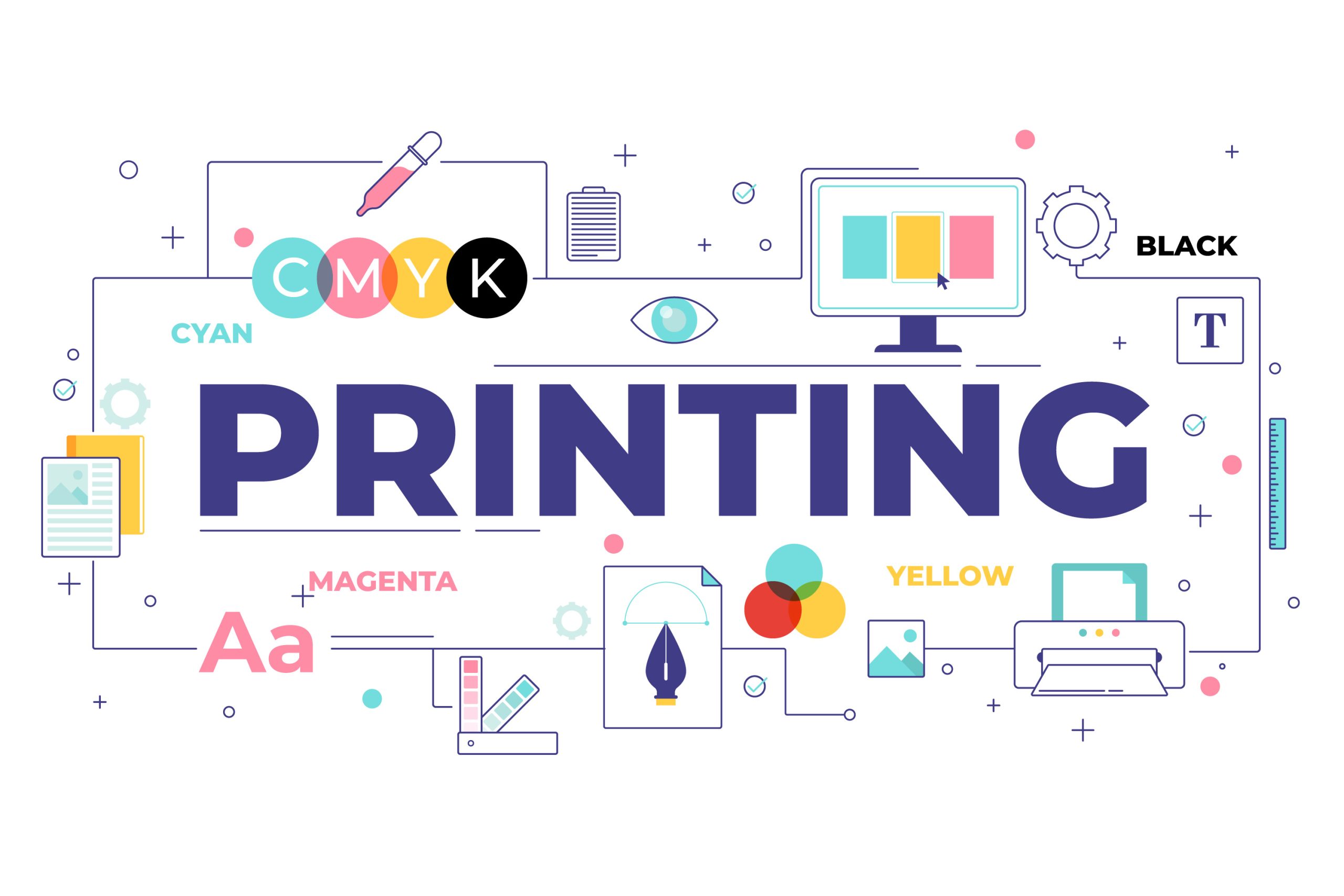
Your file is in CMYK color mode for best print accuracy.
💡 Helpful Tips
-
Use the provided template only as a guide for positioning your artwork.
-
All products are printed on white material — areas without design will stay white.
-
For Advertising Flags, leave at least a 2-inch safe margin on all edges so your text stays visible.